



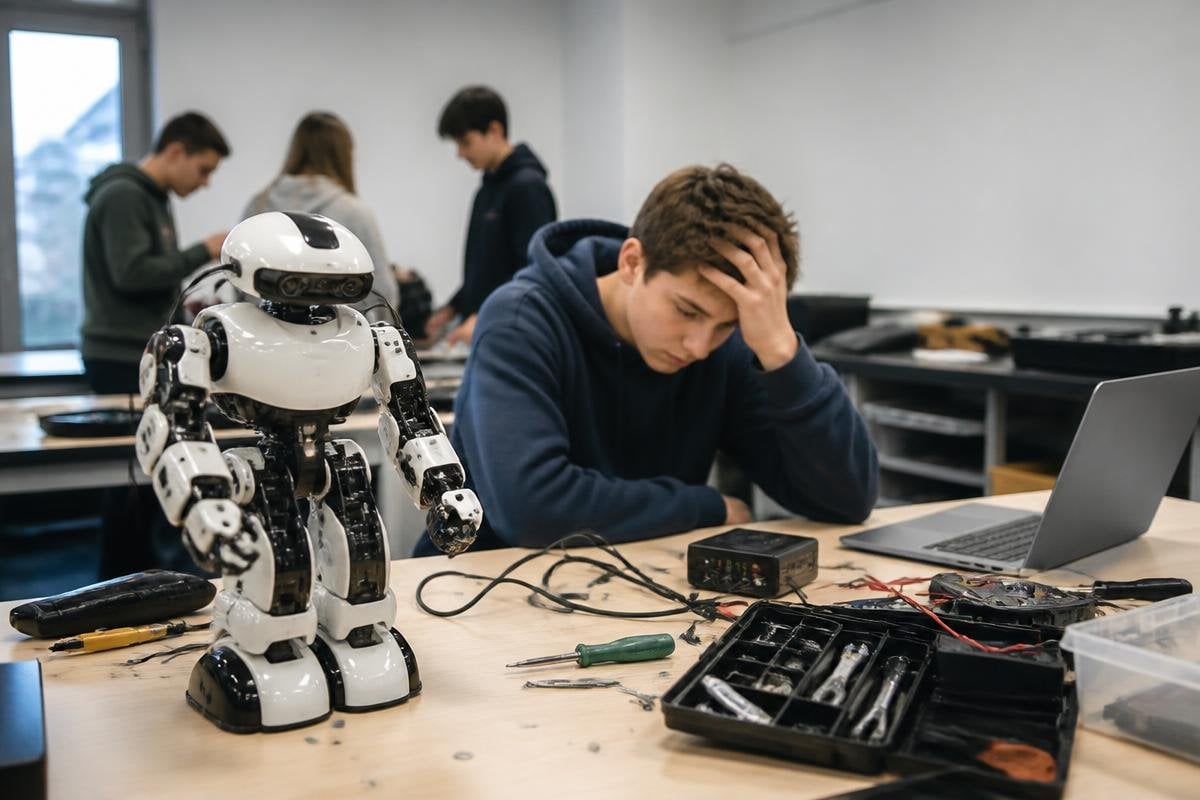
An educational robot can cost more than the computer, tools, and course materials around it. The price becomes hard to defend when students spend more time fixing setup problems than learning robotics.
Quick read
- High price does not guarantee useful teaching time
- Software access, repairs, and curriculum can cost as much as hardware
- A clear student task matters more than a human-like shape
What the robot is meant to teach
The first purchase question should be the lesson, not the robot. A mobile base may help students study mapping and obstacle avoidance, while a robot arm can teach motion planning, torque, and control.
A gripper adds work with objects, but it also adds another part that needs setup and care.
That choice affects the whole course. If students need to write code, the robot should expose a usable software interface and let them test changes without waiting for one shared unit. If they need to study hardware, the joints, sensors, and wiring should be visible enough to inspect.
A costly robot can still be a poor classroom tool when its main task is watching a polished demonstration. Students need repeated access to the hardware, clear faults, and a way to see why a command worked or failed.
The shape can mislead buyers. A humanoid robot may look suited to lessons about human movement, yet a small arm with an open controller may teach more useful control work at a lower cost.
The price keeps going after delivery
The invoice covers one part of the purchase. You may also need a computer, network hardware, spare parts, safety gear, software access, teacher training, and time for setup. Each item changes how many hours students can spend working with the robot.
Software deserves close attention. Check which tools are included, which features need a paid license, and whether students can run code without a network connection. A locked interface can turn a robotics course into a set of guided button presses.
Repair time matters too. A damaged motor, loose cable, or failed sensor can stop a lesson. Ask how the maker handles replacement parts, how repairs are done, and whether the school can buy common parts without a long wait.
A lower-cost robot with clear documentation may support more teaching hours than a costly unit that needs the maker for every fix. The hardware price alone can’t answer that comparison.
I’d compare a classroom robot with working machines, not with its brochure. Robot 24 can put reported tasks, prices, and limits beside the education model. The harder measure comes during lessons, when setup time and failed tasks start to count.
The classroom limits are easy to miss
One robot shared by a large class creates a queue. A student may spend five minutes running code, then wait while others take their turn. That weakens practice, even when the robot itself works as described.
Safety adds another limit. Arms need a controlled work area, clear stop controls, and rules for people near moving joints. Mobile robots need space to run and a plan for charging. These needs can reduce the number of rooms that can host a lesson.
The robot also needs to show its work. Logs, sensor readings, and error messages help students connect code with motion. Without that feedback, a failure looks random and the teacher has to explain every fault by hand.
Support for the teacher may matter more than another sensor. A useful course package should include working examples, setup steps, fault checks, and tasks that grow in difficulty. Marketing videos don’t answer those classroom questions.
A buying check for schools
Use this list before asking for a purchase order:
- Name the lesson: write the student task the robot must support
- Count access: decide how many students can work at one time
- Check the interface: confirm that students can read sensors and send commands
- Price the extras: add computers, software, spares, safety equipment, and training
- Test repair plans: ask who fixes failures and how parts are ordered
- Set a stop rule: define the point where the robot no longer earns its space or cost
The last point is easy to leave out. A school should decide in advance what useful work looks like, such as completed student projects, repeatable lab tasks, or a working course across several terms.
I’d skip any educational robot that can’t give students regular hands-on time and a clear path from code to motion. A machine that looks advanced but stays locked behind one teacher’s laptop is an expensive display, not a strong course tool.
Before the next purchase, ask for a live lesson plan, a repair process, and an unedited software walkthrough. If the maker can’t show how students will work after the demo ends, the price has already answered the question.
